


 800-570-3355

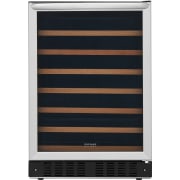
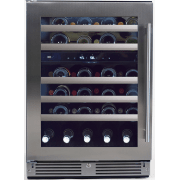
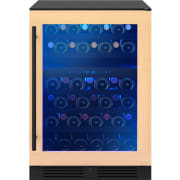
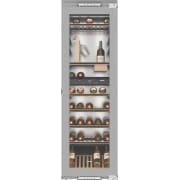
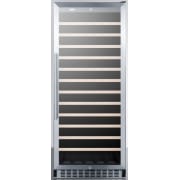
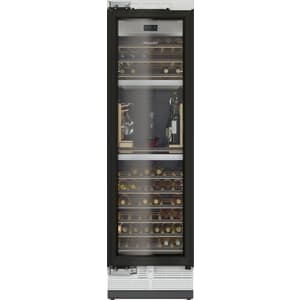
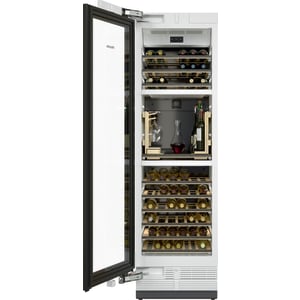
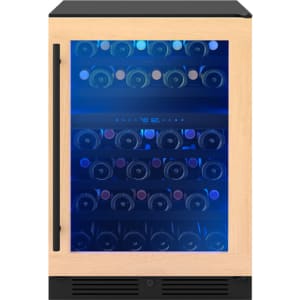
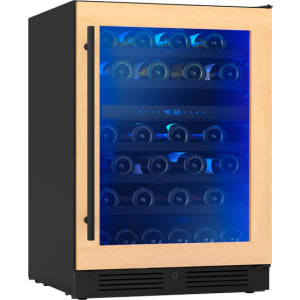
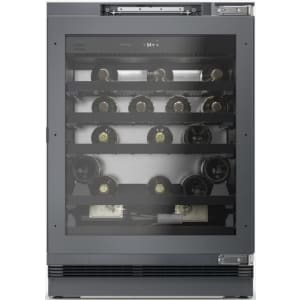
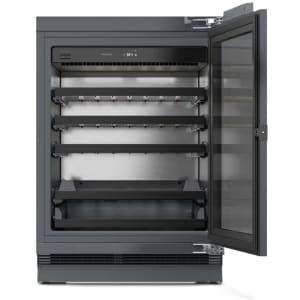
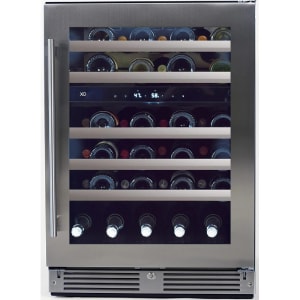
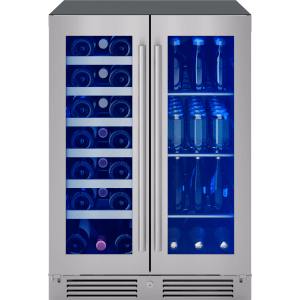
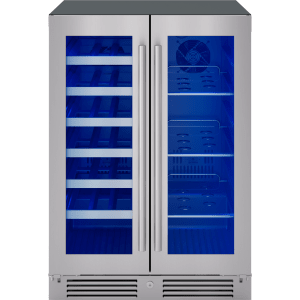
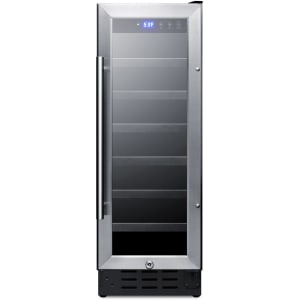
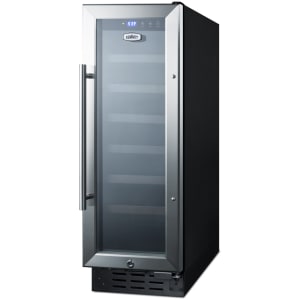
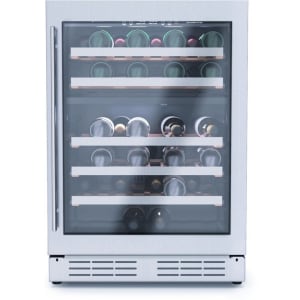
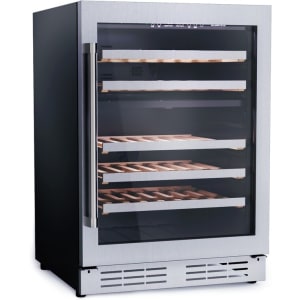
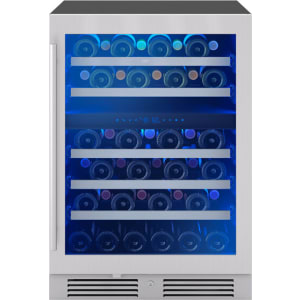
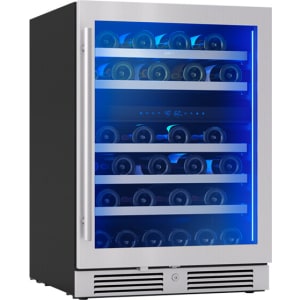
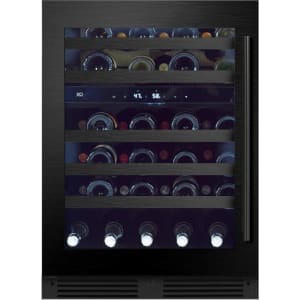
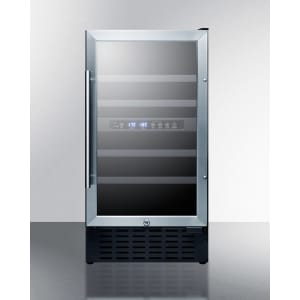
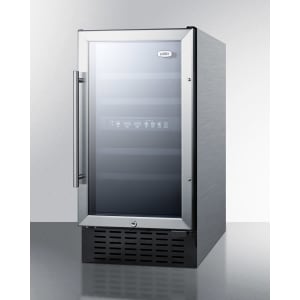
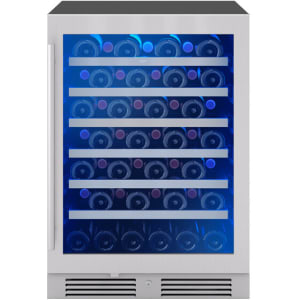
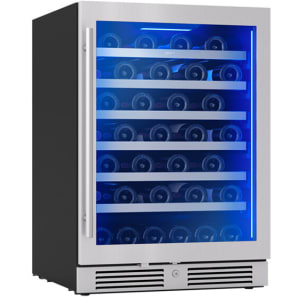
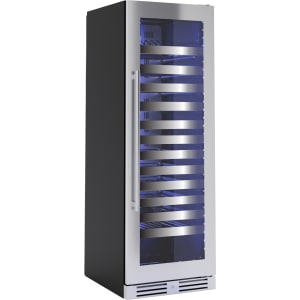
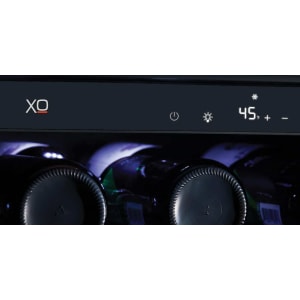


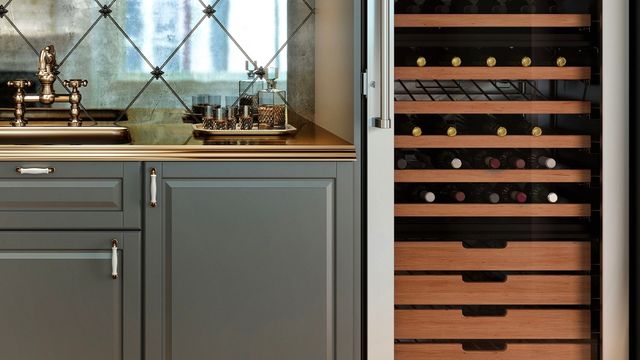
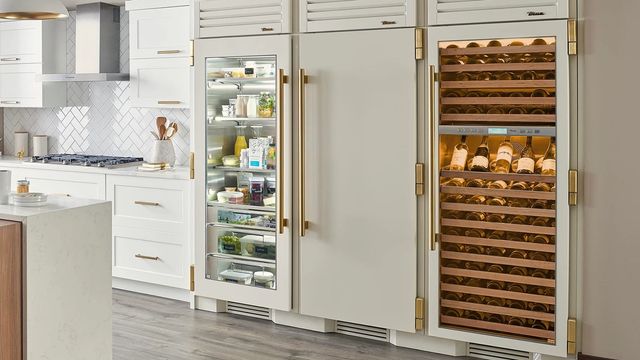

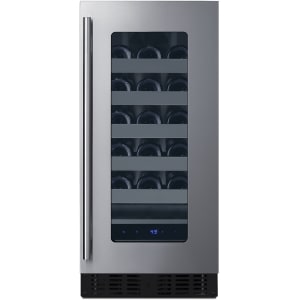
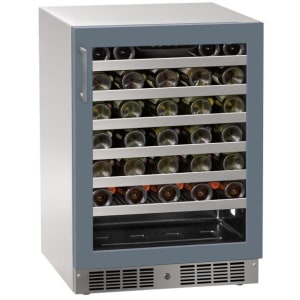
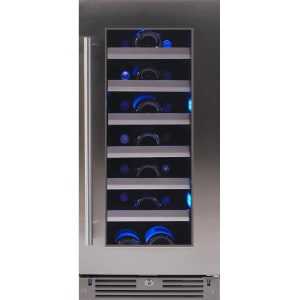
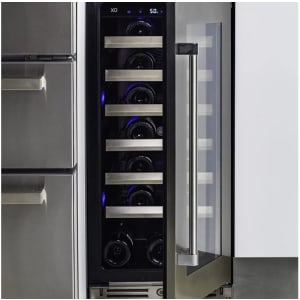
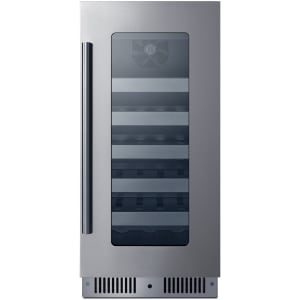
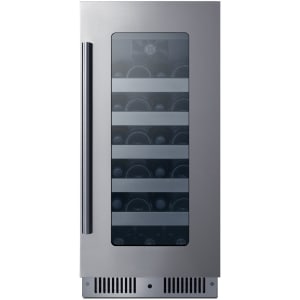
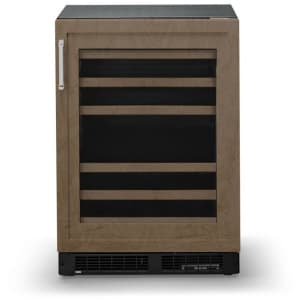
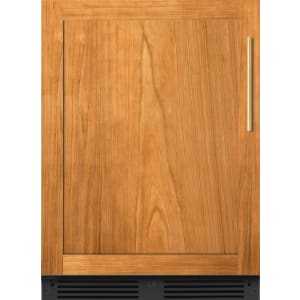
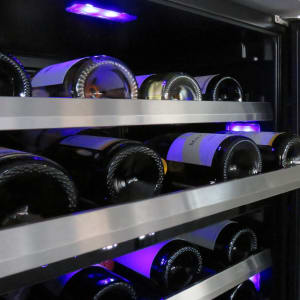
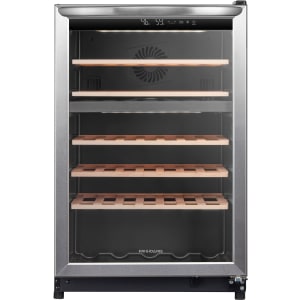
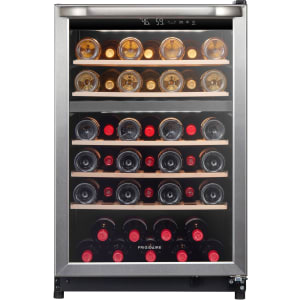
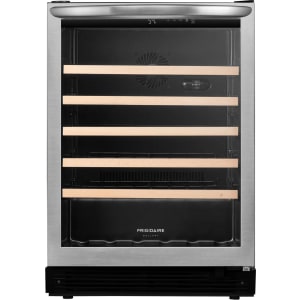
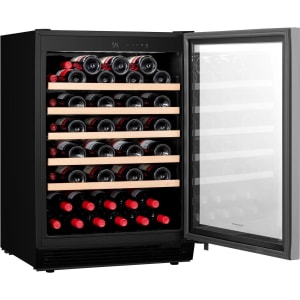
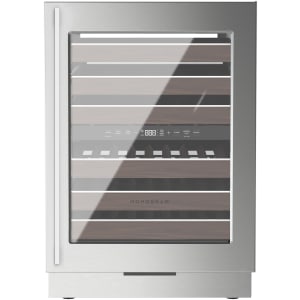
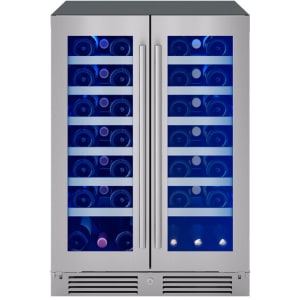
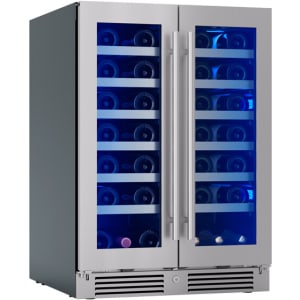
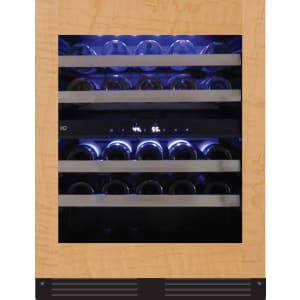
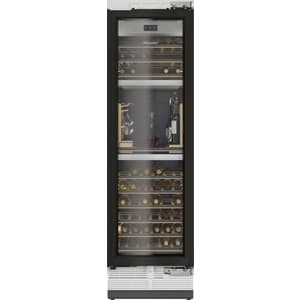

Explore AjMadison’s enormous collection of wine coolers, each one designed to store your bottle collection under the perfect preservation conditions for both reds and whites. AjMadison carries many brands of full-size and compact wine coolers from budget to luxury, including Frigidaire, KitchenAid, Miele, Sub-Zero, XO, and Zephyr. Add a freestanding or undercounter wine cooler to entertain guests in your home bar, or integrate a built-in wine cooler into your column refrigerator suite to showcase your vast assortment.
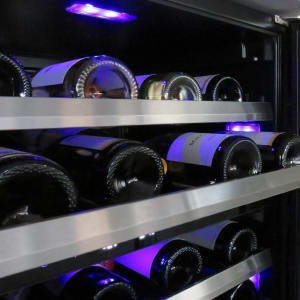
With single zone, dual zone, and tri zone wine cooler fridge models that can hold over 250 bottles at their largest sizes, you can store a vast collection of different vintages at different temperatures appropriate for each. Housed behind UV-resistant glass doors, all your vibrant bottles and their unique labels can be brilliantly displayed to add a pop of color to your kitchen suite, especially when paired with a panel-ready finish. Single door units tend to have reversible door designs, so they can be placed in any corner of your kitchen while still enabling easy access to your collection.
Wine can be a very expensive investment. That’s why many high-end brands are including smart features in their wine coolers so you can remotely monitor and diagnose issues with them using your smartphone over a Wi-Fi connection. Remote capabilities can alert you to maintenance issues and temperature fluctuations before your wine’s aging process is negatively impacted. Alternatively, you can connect select models to smart home managers like Amazon Alexa or Google Home for voice control capabilities. Smart features are extremely convenient for consumers who need ADA-compliant wine cooler fridge designs.
Wine coolers are equipped with some of the same maintenance-free conveniences of standard cooling appliances. Automatic defrost and frost-free designs prevent excess humidity from compromising bottle integrity. This is especially useful if you decide to add an outdoor wine cooler to your outdoor kitchen suite since they can maintain optimal conditions even in extreme weather conditions. No matter where you place these appliances, ENERGY STAR certification ensures they won’t run up your electricity bill, and STAR-K certification allows you to use them without interacting with electrical interfaces.
Browse AjMadison’s listings to find the best wine coolers for your home and shop tons of deals on refrigeration appliances now!
Does a wine cooler get as cold as a refrigerator?
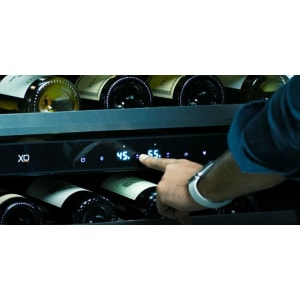
No, wine coolers do not get as cold as a standard refrigerator. Wine requires very specific cooling conditions for proper aging, one of those being temperature levels that are generally between 45°F and 65°F (7°C to 18°C).
Why use a wine cooler instead of a fridge?
Wine coolers are specially designed with advanced preservation features to ensure optimal aging conditions for different types of wine, including precise temperature controls, anti-vibration components, UV-resistant doors, humidity sensors, and fans for all-around cold air circulation.
Can I use my fridge as a wine cooler?
While some refrigerators come with wine bottle racks, it is not recommended that you keep expensive bottles in an ordinary fridge. Their cooling systems cannot preserve wine as well as wine coolers, causing them to age prematurely or develop off-flavors.